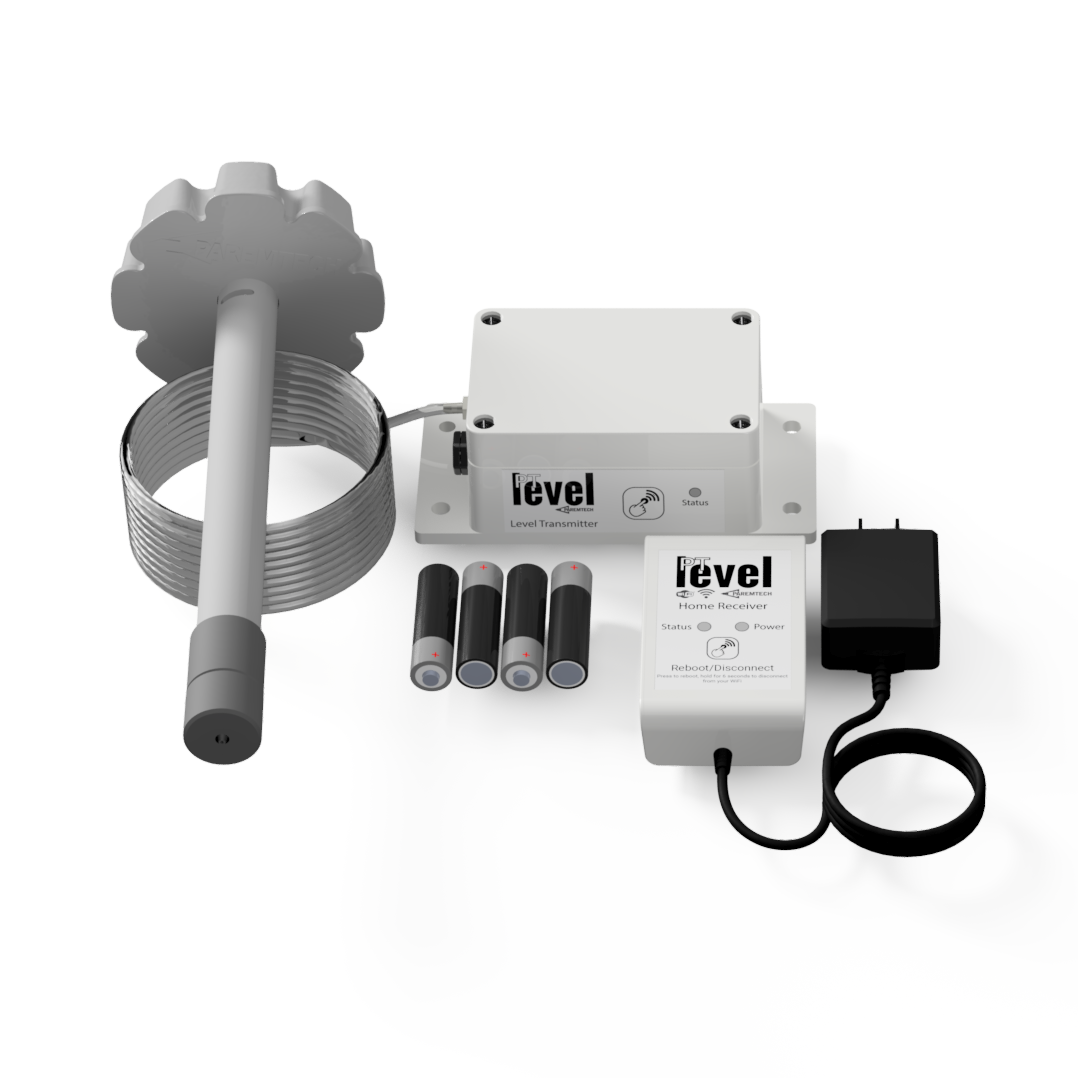
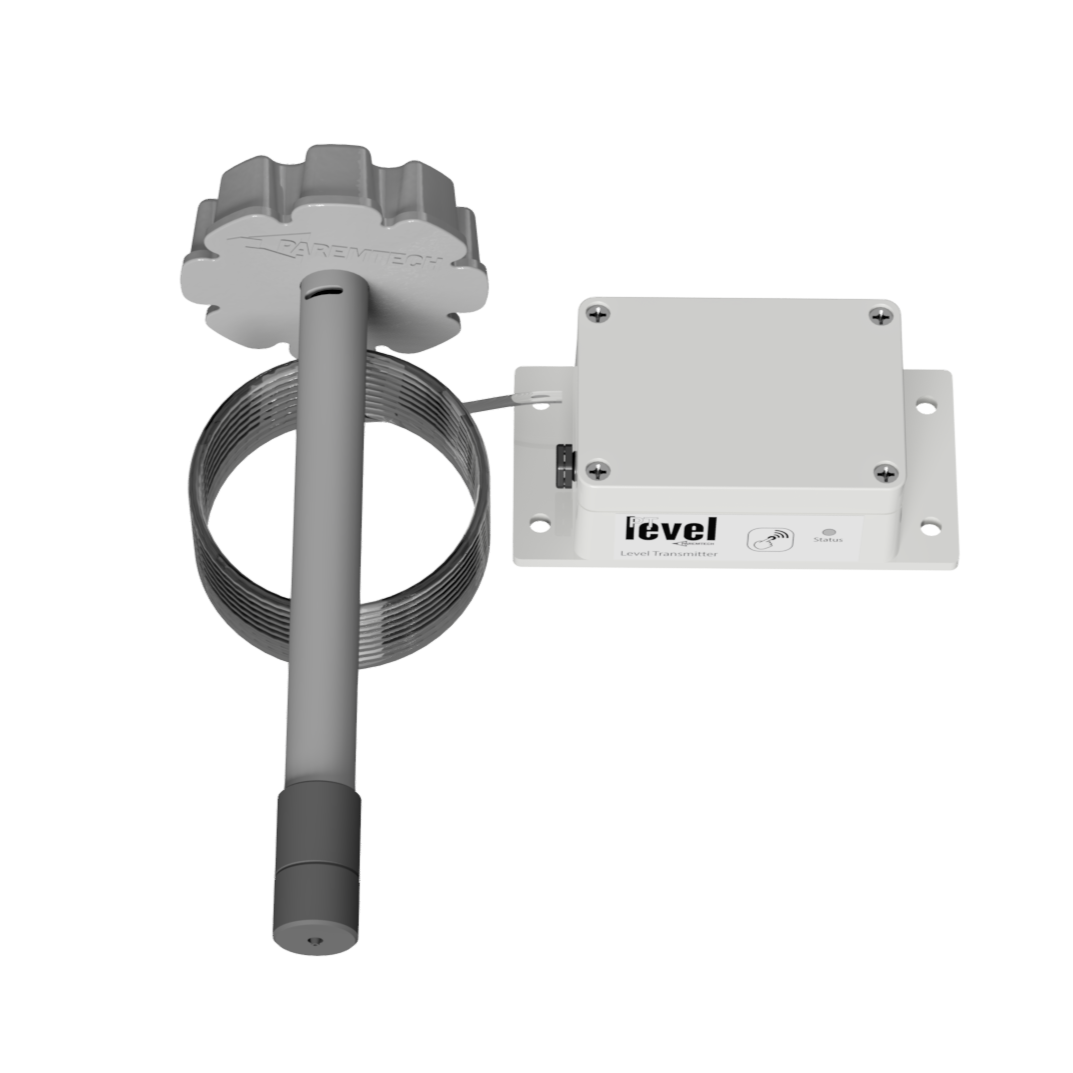
Every PTLevel comes with a free PTDevices account. Check your cistern, well, sump or septic level from your phone, get a text before you run low, and let your water delivery company know when it's time to fill up.
No contracts and no monthly fees. Your PTDevices account has every feature your PTLevel needs, on every device you own.
Every level at a glance
See all of your PTLevels on one dashboard, with battery, signal and the last time each one reported.
Email and SMS alerts
Get an email or text message when your level drops below, or rises back above, the points you choose.
Usage history
Look back over the last month of readings to see how much water you use and when deliveries arrived.
Delivery sharing
Share your level with your favourite water delivery company so they know exactly when to deliver.
Notification history
Keep track of all the alerts you get so you can look back at them anytime.
Unlimited devices
Add as many PTLevels as you need to the same dashboard: cisterns, wells, sumps, septic and chemical tanks.
Property manager access
Allow a property manager to monitor and manage your devices for you, with permissions you control.
Disconnection alerts
Get an email if a device stops reporting, so a problem never goes unnoticed.
Temperature monitoring
On models with a temperature probe, follow your liquid temperature and get alerts when it goes above or below a set point.
Alerts
Know before you run low
Set alert points at any level and PTDevices sends you an email or text message as soon as your tank crosses one, on the way down and on the way back up. You'll know when to order water, when your sump is filling up, or when your septic needs pumping.
Two level alert points free, unlimited with Premium
Email or SMS, to you or, with Premium, your whole family or team
Temperature alerts on models with a temperature probe
Built-in alert throttling, so a busy tank never floods your phone
Every alert saved to your notification history
9:41
Monday
Messages · now
PTLevel Alert
Cottage cistern has dropped below 25%.
Email · 2h ago
PTLevel Alert
Sump pit has risen above 75%.
Email · yesterday
Device disconnected
Well house has stopped reporting.
Charts
Level
History
See the story behind your water
Usage history turns every reading into a clear graph. See how much water a busy weekend really used, spot usage that looks out of place, and check exactly when your delivery arrived.
One month of history, free
Two years of history with zoom controls on Premium
Download your history as a CSV file on Premium
Volume in gallons or litres, not just a percentage, on Premium
Sharing
Never run out of water again
Bring in the people who help look after your water, and keep control of what they can see and do.
Your water delivery company
From the Share tab, pick a delivery company near you and they see your level in their own free account. They know when you are getting low and can fill up before you run dry, with no phone calls, no guessing and no emergency delivery charges.
Your property manager
Let a property manager or installer look after your devices for you. Choose whether they can view, edit or add devices, and change it at any time.
Your guests and visitors
Premium
Public sharing creates a link anyone can open to see your level, or embed it on your own website. Great for rentals, campgrounds, community water systems and property managers.
Great water montoring device!! As a short term rental owner it has been such an easy way to monitor our cistern level, remotely, wherever we are in the world. Our water provider is notified automatically, cistern gets filled and I get an invoice. No more worrying about guests running out of water or getting a hold of the delivery company. I highly recommend it!!!
Natalie S
Any device
In your browser, or in our apps
PTDevices runs in the web browser on any phone, tablet or computer, so it's ready the moment you set up your PTLevel with nothing to install. Prefer an app? PTDevices is also available for iPhone, iPad and Android.
Any web browser
On your phone, tablet or computer, always up to date and using very little data.
Special alerts, like when your level stops changing
For businesses
Built for delivery companies, installers and property managers
PTDevices isn’t just for homeowners. With free business accounts, water delivery companies, property managers, and other service providers can monitor water levels, streamline their operations, and better serve the people who depend on them.
Water delivery companies
When customers share their level with you, you see who is getting low before they call. View your customers' levels, addresses and notes in one place, and plan deliveries around real levels instead of guesses.
Free for delivery companies to sign up, and white labelling is available.
Installers, dealers and property managers
A Device Manager account lets you create accounts for your customers, set up and maintain their devices, and monitor every client from a single list or map view.
Adjust alerts, calibration and settings for your clients
Set your own alerts on client devices
Keep private notes on each client
Upgrade clients to Premium for them
Becoming a Device Manager is free, and white labelling is available for dealers.
Automate your pumps, or build something of your own.
Home Assistant
The official PTDevices integration brings your level, volume, temperature and status into Home Assistant. Turn pumps off when you're running low, or run appliances after water is delivered.
Generate your own API token right from your account settings and read a device's level, volume, battery and signal with a single web request. Open to every account, no Premium needed.
Build your own software on PTDevices with our full REST API and secure OAuth 2.0 sign in. Read your device and account data, or, as a Device Manager, data for all of your clients too.
Yes. Every PTLevel works with a free PTDevices account that includes unlimited devices, one month of history, email and SMS alerts on two level alert points, delivery sharing and notification history. Premium is optional, for those who want more.
Do I need to download an app?
No, PTDevices runs in the web browser on any phone, tablet or computer. If you prefer an app, PTDevices is also available for iPhone and iPad on the App Store and for Android on Google Play.
How do PTDevices alerts work?
You choose alert points as a percentage of your tank. When the level drops below a point, or rises back above it, you're sent an email or text message. You can also get an email if a device stops reporting.
Can my water delivery company see my level?
Yes. From your device's Share tab, pick a delivery company near you. They see your level in their own account, which is free for delivery companies, so they know when to deliver.
Can I monitor more than one tank or property?
Yes. Add as many PTLevels as you need to the same dashboard, whether that's a cistern at home, a well at the cottage or chemical tanks at work.
What does Premium add, and what does it cost?
Premium is $5 a month or $50 a year (CAD). It adds two years of history with zoom controls, CSV downloads, unlimited alert points, multiple alert recipients, volume in gallons or litres, public sharing and special alerts.
Does PTDevices work with Home Assistant or my own software?
Yes. The official Home Assistant integration brings your levels into your smart home automations. Every account can also generate an API token to read its devices, and our REST API lets you build your own software on PTDevices.
Can someone else manage my devices for me?
Yes. Give a property manager or installer access to your devices with view, edit or add permissions, and change them at any time.
We use cookies that are necessary for the site to work. With your permission, we’d also like to use optional cookies to understand how the site is used and to improve our marketing. You can change your choice at any time from “Cookie Settings” at the bottom of any page.
Read our Privacy Policy
Cookie preferences
Choose which cookies we may use. Necessary cookies are always on because the site can’t work without them.
Necessary
Keep you signed in, protect forms from forgery, remember your cart and currency, and let Stripe detect fraud during checkout.
Always on
Help us understand how visitors use the site, like which pages are visited, so we can improve it.
Let us and our advertising partners show you relevant ads and measure how well they work. Under the CCPA, this may count as “selling” or “sharing” your personal information.
Your browser sent a Global Privacy Control signal, so we treat it as a request to opt out of selling or sharing your personal information.