Articles
What do the Lights Mean - Wired WiFi troubleshooting
Oct 20, 2026
In the winter of 2023-2024, we launched the new Wired WiFi which has a button on the front, and no longer has a blue light. For information on the old Wired WiFi (which has 2 lights under the lid), please scroll to the bottom of the article for ...
In the winter of 2023-2024, we launched the new Wired WiFi which has a button on the front, and no longer has a blue light.
For information on the old Wired WiFi (which has 2 lights under the lid), please scroll to the bottom of the article for troubleshooting.
The new Wired WiFi PTLevel (button on the front):
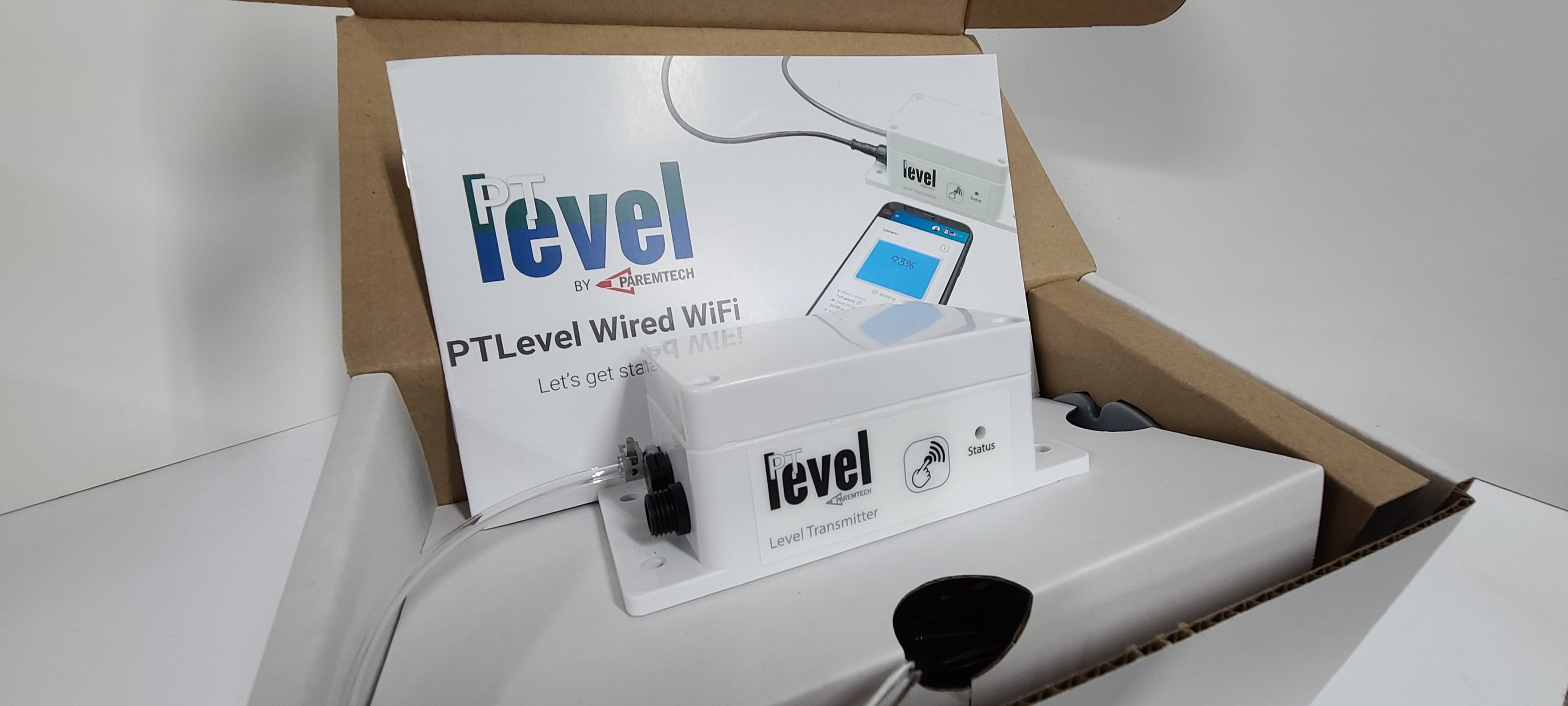 Wired WiFi PTLevel Water Level Monitor
When the Wired WiFi PTLevel is working properly, the status light will blink 3 times in a row (slowly) about once every 2 minutes (every time it reports in).
To force an earlier report, press the button 1 time. Because of the robust weather-resistant design on the inside, you may need to press the button hard. Once you've pressed the button successfully, the status light will flash once and then blink 3 times slowly.
If your Wired WiFi PTLevel is blinking 3 times in a row every few seconds, that indicates it is not connected to your WiFi. To reconnect to your WiFi follow the instructions on the link.
Wired WiFi PTLevel, Version 1, no button, power and status lights under lid
Descriptions coming soon! Please put in a support ticket if you need assistance.